
Modes And Tolerance
Choose fast, secure, or comprehensive mode, then set tolerance with profile, data sensitivity, and routing policy.
Mode answers one question: how much scan depth should Citadel use for this request?
Tolerance answers a different question: how strict should your product be when Citadel finds risk?
Do not mix them up. mode affects scan depth and latency. profile, data_sensitivity, and your routing policy affect tolerance.
Default to secure. It is the right starting point for almost every production integration.
If you are choosing all scan settings for a workflow, start with Choose Scan Settings. This page focuses on one part of that choice: scan depth vs product strictness.
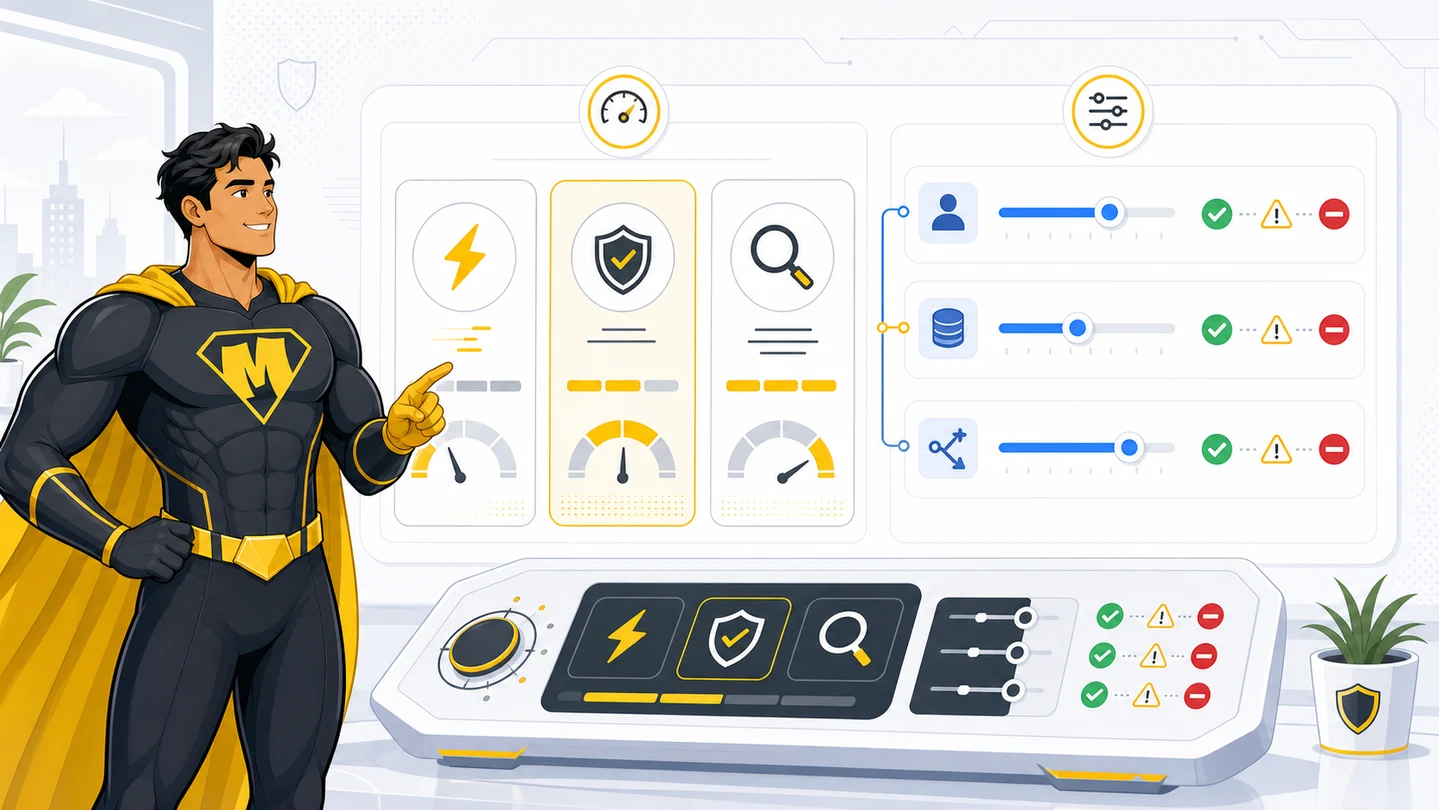
Mode Quick Pick
Start with secure, then change mode only when the workflow proves it needs a different tradeoff.
| Mode | Purpose | Use when | Avoid when |
|---|---|---|---|
fast | Latency-first scan. | Low-risk inline text, internal tools, early preflight checks, typing-speed workflows. | High-value claims, image evidence, document fraud review, public AI output, or anything where missing a signal is costly. |
secure | Production default. | Most chat, uploads, OCR output, model output, images, documents, and agent workflows. | You have tested the workflow and know you need either lower latency or deeper review. |
comprehensive | Deepest review with the most processing. | High-value evidence, suspicious images, large PDFs, async review queues, claims or payment decisions after testing shows the extra depth is worth it. | Every chat message, routine text, low-risk text, or workflows where latency and SCU cost matter more than extra depth. |
Default value: secure.
Start With Secure
Use mode=secure as the default for production. It balances coverage, latency, and SCU for most teams.
For text, comprehensive usually does not add enough value to justify the extra processing. Use secure for normal chat, OCR text, extracted fields, model output, and agent output. Move text to comprehensive only when you have a specific reason and test data to support it.
For images and documents, secure still works for most workflows. Run a sample set through secure and comprehensive, then compare:
- Which items move from ALLOW to WARN or BLOCK.
- Whether reviewers agree the extra signals are useful.
- How latency changes.
- How SCU changes.
- Whether the workflow can tolerate async review.
Use comprehensive where the extra review changes real product decisions. Keep secure everywhere else.
How The Modes Behave
fast
What it does: favors a quick route over maximum depth.
When to use it:
- Inline text where the user is waiting.
- Low-risk internal workflows.
- Preflight checks before a later
secureorcomprehensivescan. - Agent tool output where you need a quick gate before adding content to context.
Example:
{
  "content": "User chat message",
  "content_type": "text",
  "scan_phase": "input",
  "mode": "fast",
  "focus": "steg"
}
Common mistake: using fast because the workflow is important. Important workflows usually need secure or comprehensive.
secure
What it does: balances latency, coverage, and cost. This is the mode most integrations should use first.
When to use it:
- Most production text scans.
- File uploads before storage or OCR.
- Image and document scans before the workflow knows they need deeper review.
- OCR and IDP output before workflow automation.
- Model output before users see it.
- Agent output before downstream tools trust it.
Example:
{
  "content": "Generated summary shown to a user",
  "content_type": "text",
  "scan_phase": "output",
  "mode": "secure",
  "profile": "ai_safety",
  "scan_group_id": "9b3e4f8d-96c9-4f42-8338-8cf9571c1c70"
}
Common mistake: treating secure as only for security teams. It is the normal production default for everyone.
comprehensive
What it does: runs the deepest review path, uses more processing, and is required for async deep scans.
When to use it:
- Damage photo review.
- High-value claim evidence.
- Large PDFs or document packets.
- Suspicious evidence after an initial scan.
- Async workflows where pending review is acceptable.
- Image or document workflows where tests show that deeper review improves routing decisions.
Example:
{
  "content_type": "image",
  "scan_phase": "input",
  "mode": "comprehensive",
  "focus": "all",
  "async": true,
  "webhook_url": "https://example.com/api/mighty/webhook"
}
Common mistake: using comprehensive for every low-risk text message. That increases latency, processing, and SCU usage without improving the product experience enough to justify it.
Tolerance Is Not Mode
Tolerance is the policy your product applies after the scan.
| Control | What it changes | Example |
|---|---|---|
profile | Risk posture for the workflow. | strict, balanced, permissive, ai_safety, code_assistant. |
data_sensitivity | How expected PII should affect blocking. On recognized document surfaces (W-2, 1040, paystub, driver's license, bank statement) expected PII does not alert by itself under standard/tolerant; strict treats it as blocking. | standard, tolerant, strict. |
| Routing policy | What your app does with ALLOW, REVIEW, WARN, and BLOCK. | Continue, pause and follow the next step, review suspicious evidence, redact, request more evidence, or stop. Treat an inconclusive evidence detail as context, not an action. |
Use mode=secure with different tolerance settings for different products. Do not switch to fast just because a workflow should be tolerant.
Output Tolerance
Output scans need explicit tolerance because generated text can either be a private internal summary or a public user-visible answer.
| Output surface | Suggested settings | Route |
|---|---|---|
| Public assistant answer | mode=secure, profile=ai_safety, data_sensitivity=strict | Show ALLOW. Use redacted_output when returned. Block otherwise. |
| Internal claims summary | mode=secure, profile=balanced, data_sensitivity=tolerant | Show ALLOW. Pause on REVIEW. Queue WARN. Block automation on BLOCK. |
| OCR or IDP summary | mode=secure, focus=steg, data_sensitivity=tolerant | Use only after file and OCR scans are connected with scan_group_id. |
| Agent tool result | mode=fast or secure, profile=ai_safety or code_assistant, data_sensitivity=standard | Keep REVIEW, WARN, and BLOCK out of model context unless resolved. |
| High-stakes recommendation | mode=secure, profile=strict, data_sensitivity=strict | Pause on REVIEW and follow guidance.next_step, review WARN, and stop on BLOCK. Use inconclusive evidence details only to explain the result. |
Expected PII can be acceptable in an internal claim summary. The same PII may be unacceptable in a public assistant answer. That is why data_sensitivity must be chosen per output surface.
Document intake with expected PII
A mortgage packet, claims form, or KYC ID is supposed to contain personal data: a W-2, paystub, 1040, or driver's license carries SSN, date of birth, name, and address by design. Under data_sensitivity=standard or tolerant, that expected PII is recorded for redaction but does not by itself produce WARN/BLOCK on a recognized document surface — so the scan still surfaces fraud, tampering, and prompt-injection signals without alerting on the document simply being personal. Choose strict only when the surface must block on any PII. There is no separate request flag: data_sensitivity is the single per-request control.
Common Recipes
| Workflow | Mode | Profile | Data sensitivity |
|---|---|---|---|
| Chat input | secure | balanced | standard |
| Public chat output | secure | ai_safety | strict |
| Internal claim note | secure | balanced | tolerant |
| Damage photo | secure or comprehensive | strict | tolerant |
| High-value PDF evidence | comprehensive | strict | tolerant |
| Agent tool output | fast or secure | ai_safety | standard |
Routing Template
type CitadelAction = "ALLOW" | "REVIEW" | "WARN" | "BLOCK";
type OutputPolicy = "public_strict" | "internal_tolerant";

export function routeOutput(
  scan: { action: CitadelAction; redacted_output?: string },
  policy: OutputPolicy,
) {
  if (scan.action === "ALLOW") return { type: "show_original" as const };

  if (scan.action === "REVIEW") {
    return { type: "pause" as const };
  }

  if (scan.redacted_output && policy === "public_strict") {
    return { type: "show_redacted" as const, text: scan.redacted_output };
  }

  if (scan.action === "WARN" && policy === "internal_tolerant") {
    return { type: "queue_review" as const };
  }

  return { type: "block" as const };
}
Common Mistakes
- Using
fastas a tolerance setting. It is a depth setting. - Using
tolerantfor public AI output. Usestrictwhen sensitive output must not leak. - Using
permissiveto handle normal PII. Usedata_sensitivity=tolerantinstead. - Running
comprehensiveon every request. Reserve it for deep review and async workflows. - Showing BLOCK output because it came from your own model. Output still needs routing.
Ready to scan real traffic?
Book a working session on your files. Starting October 1, 2026, new commercial terms are enterprise or custom.
AI-Agent Prompt
Paste this into Cursor, Codex, Claude Code, or Windsurf.
Choose Citadel mode and tolerance for every scan surface in this product.

For each surface, decide:
- mode: fast, secure, or comprehensive
- profile: strict, balanced, permissive, code_assistant, or ai_safety
- data_sensitivity: standard, tolerant, or strict
- routing for ALLOW, REVIEW, WARN, and BLOCK, with inconclusive evidence details kept separate from the action

Rules:
- Use mode=secure as the default.
- Use mode=fast only when latency matters more than depth.
- Use mode=comprehensive for high-value evidence, suspicious images, large PDFs, and async deep scans.
- Use data_sensitivity=tolerant when expected business PII should not block by itself.
- Use data_sensitivity=strict for public AI output, secrets, credentials, or regulated disclosure risk.
- For scan_phase=output, always include scan_group_id from the related input scan.
- Use redacted_output only when Citadel returns it and policy allows it.

Acceptance criteria:
- No output route returns unscanned generated text.
- Public output uses strict tolerance.
- Internal PII-heavy workflows use tolerant data sensitivity.
- Tests cover ALLOW, REVIEW, WARN, BLOCK, redacted_output, and scan failure.